Camera health monitoring that runs where your cameras do.
CHEQIT watches every camera across every site for the things VMS uptime won't tell you — blur, freeze, darkness, scene drift, recording gaps — and turns the failures into a ranked repair queue for security and IT teams.
Built for businesses, enterprises, and local government teams responsible for cameras across depots, campuses, facilities, streets, and remote sites.
10,000Cameras per fleet the tiered detection pipeline is tuned for
512Cameras per Pro instance before Enterprise federation terms apply
0Video frames leaving your network by default
What CHEQIT checks
Know when cameras stop delivering useful evidence.
Monitor camera availability, recording continuity, image quality and stream behaviour in one place. Image diagnostics identify visible symptoms to guide inspection.
Checks follow each camera and connector's capabilities. See Connectors for released integrations and those in validation.
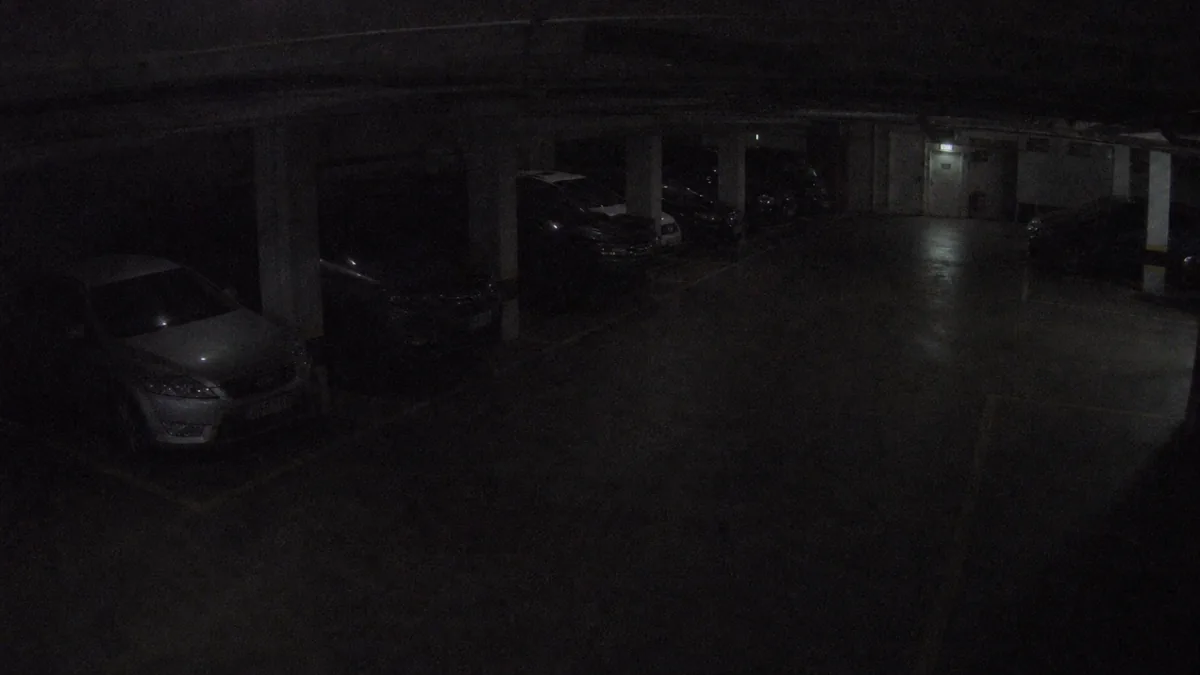
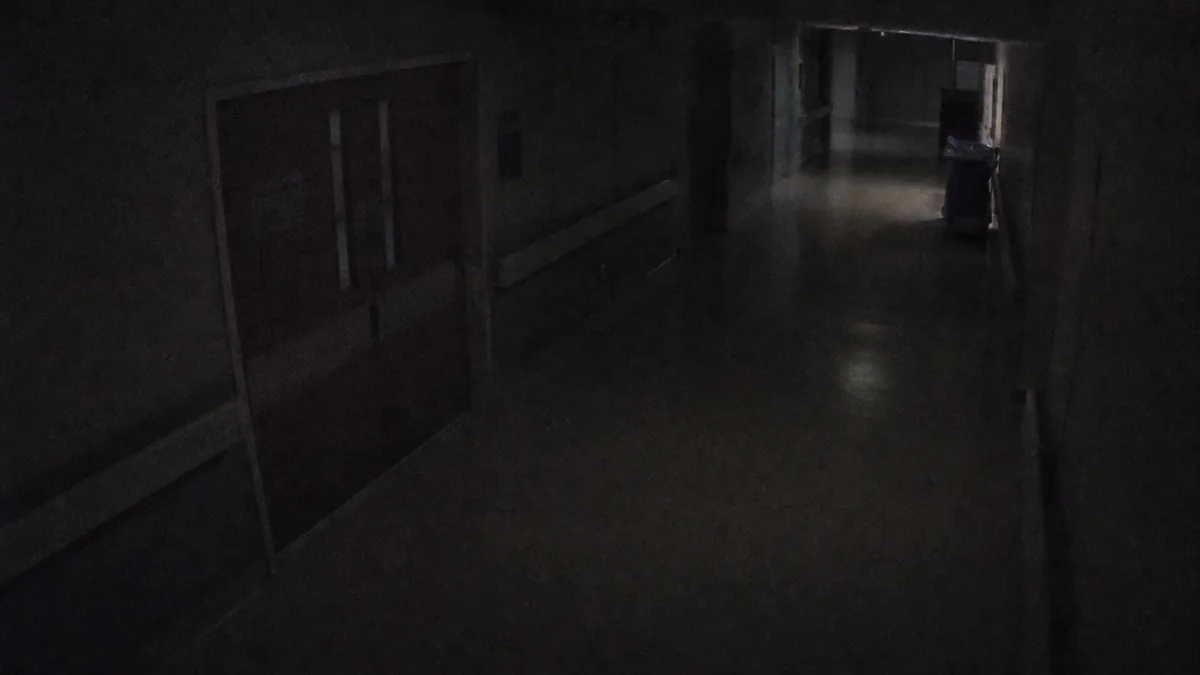
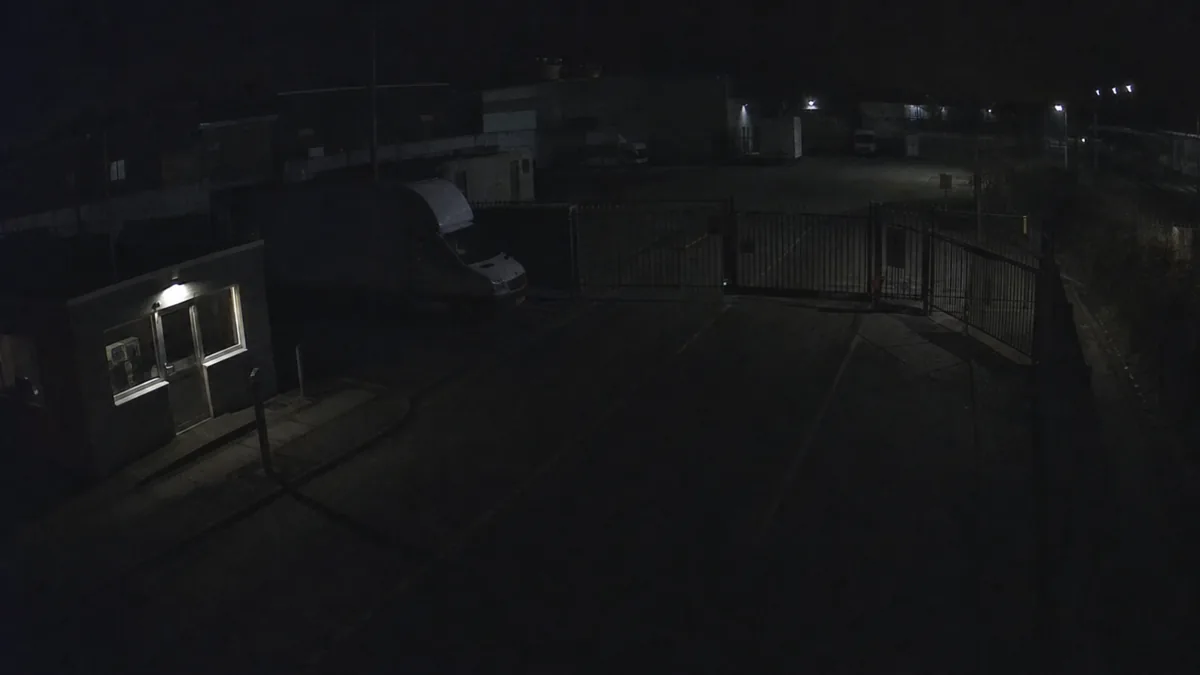
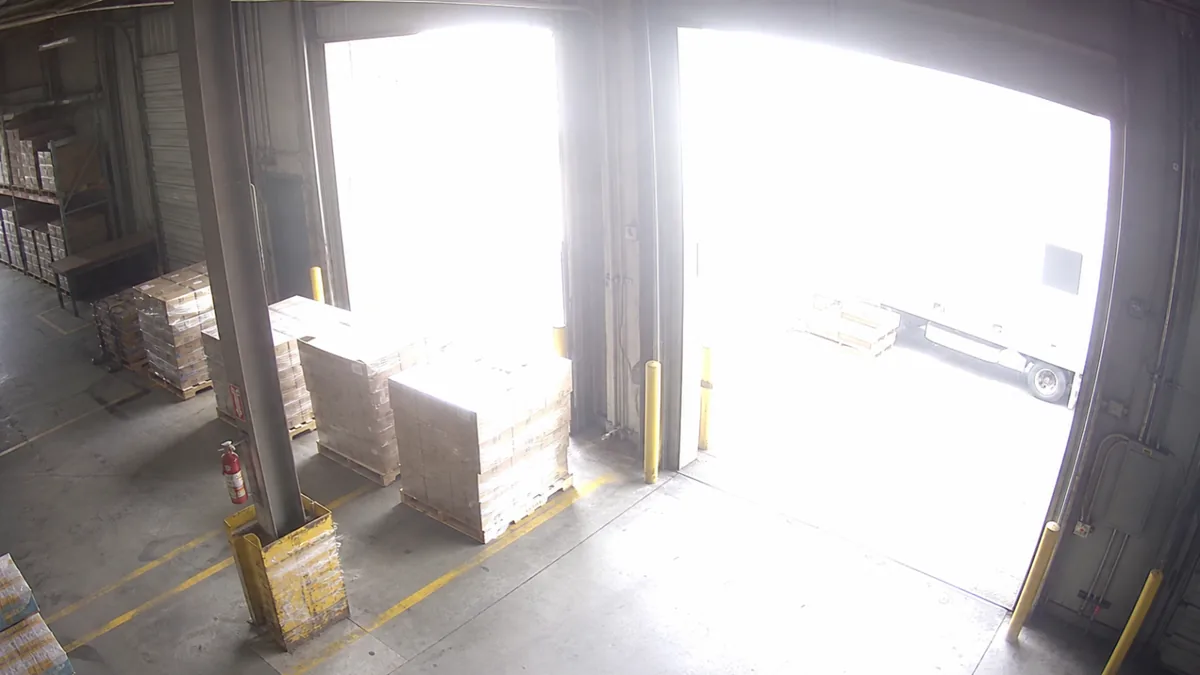
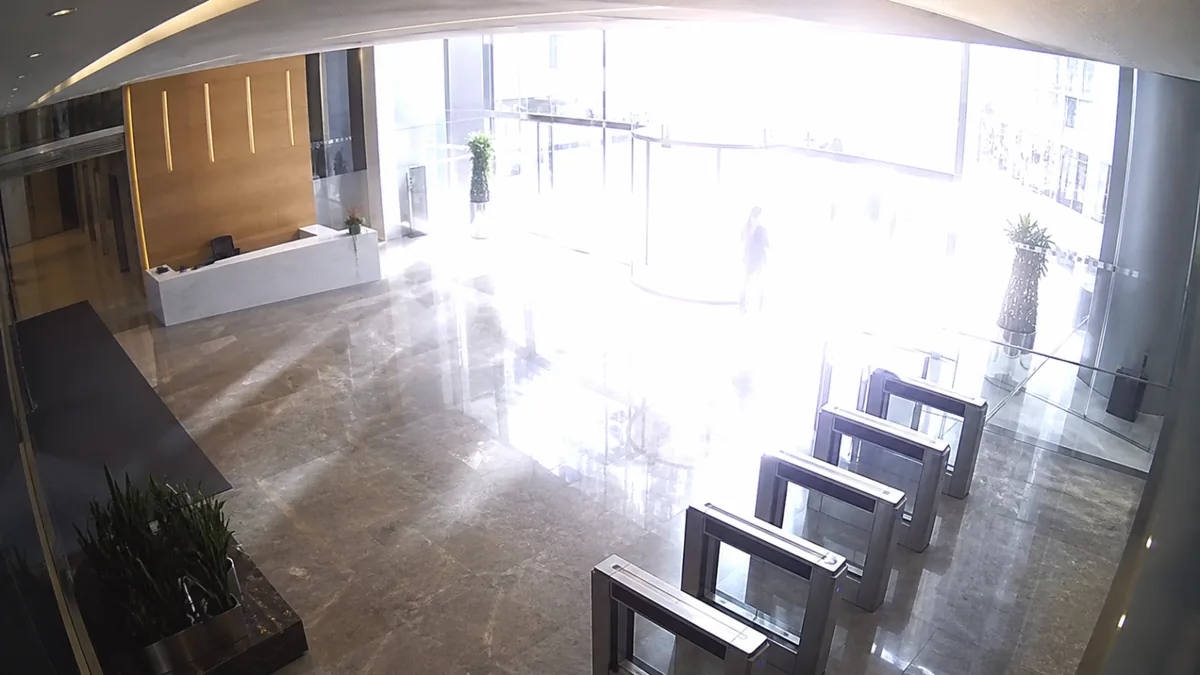
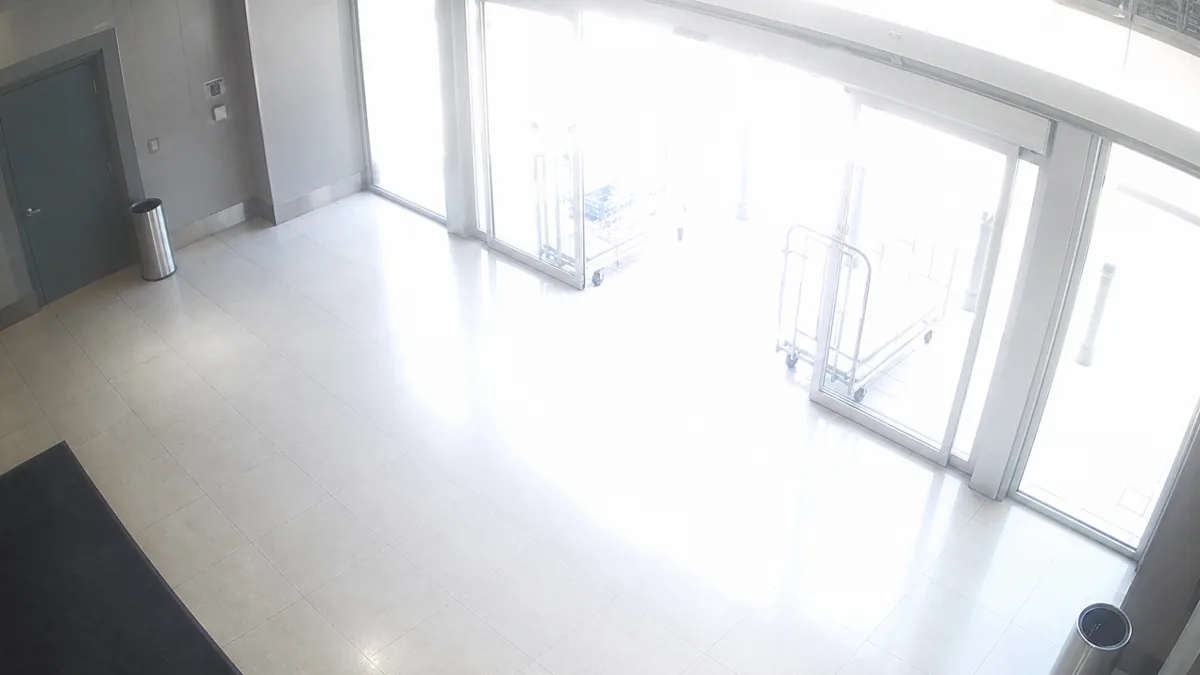
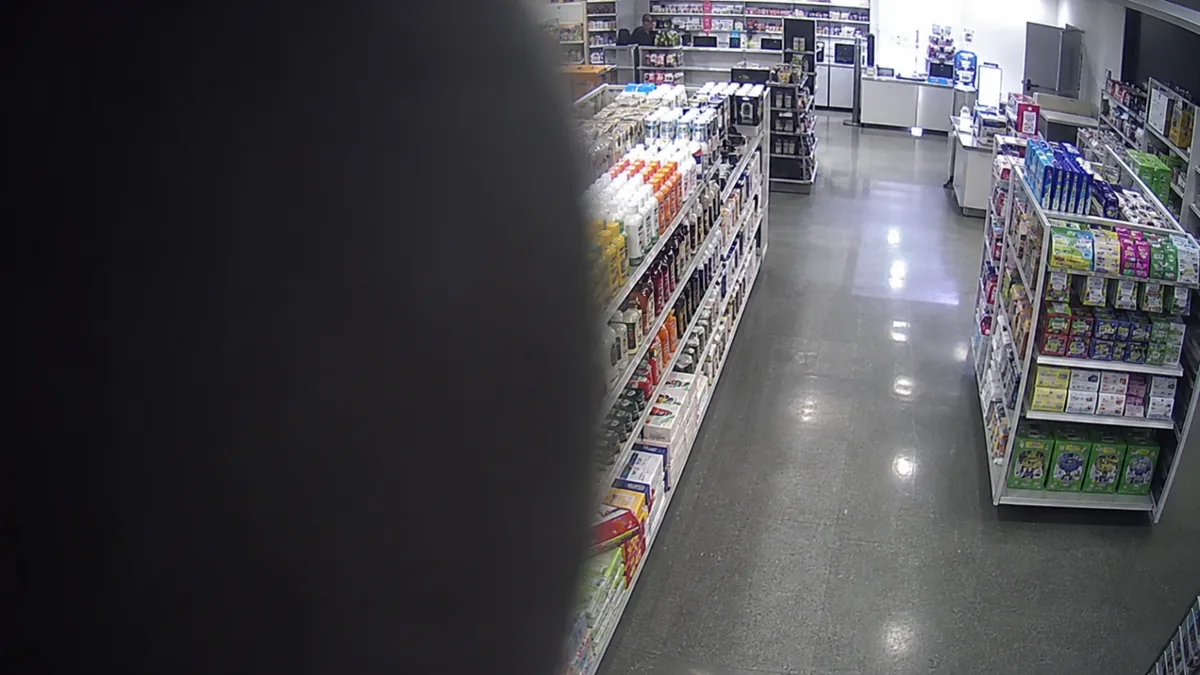
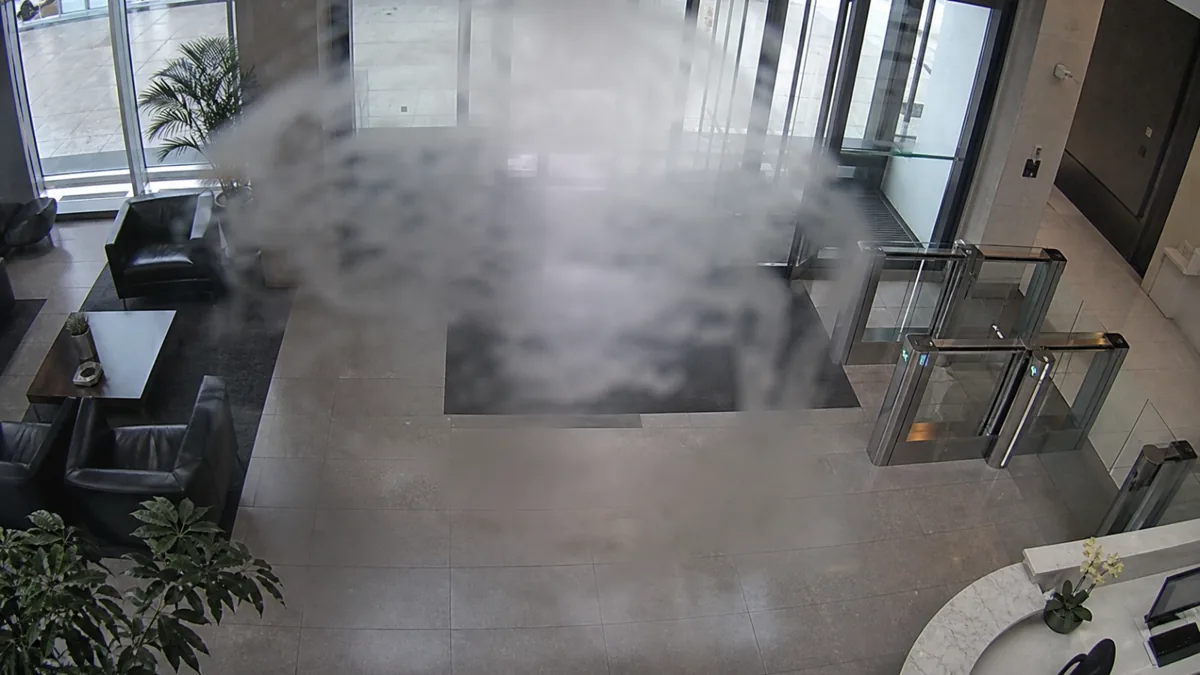
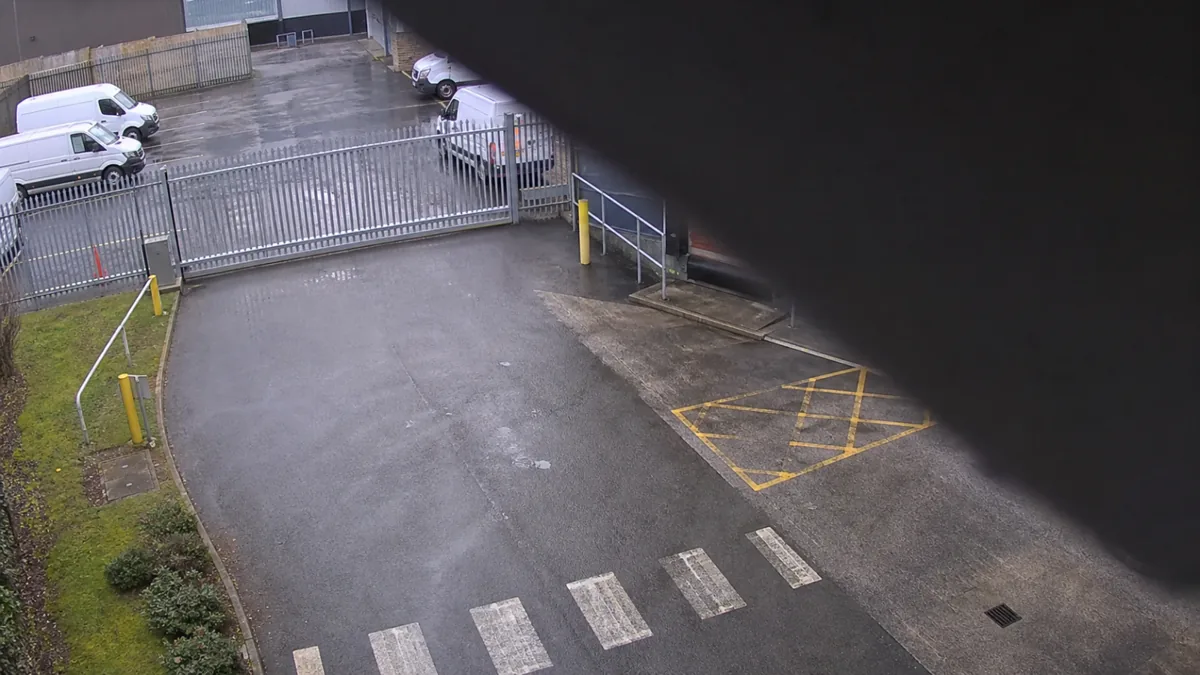
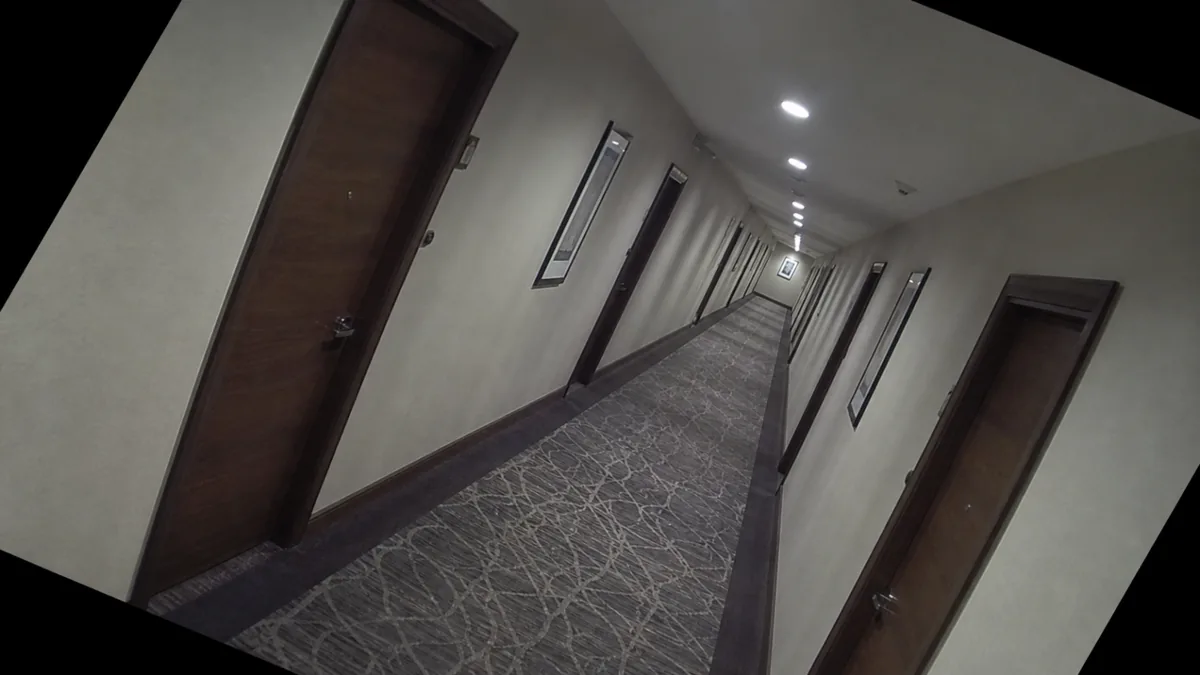
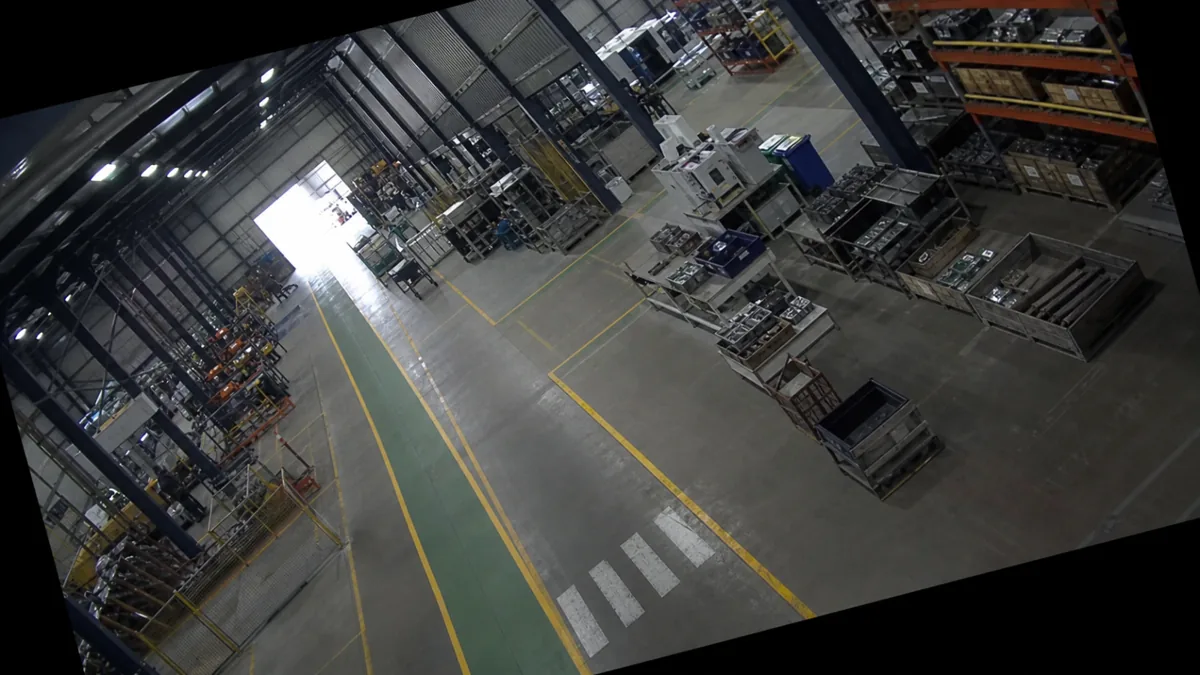
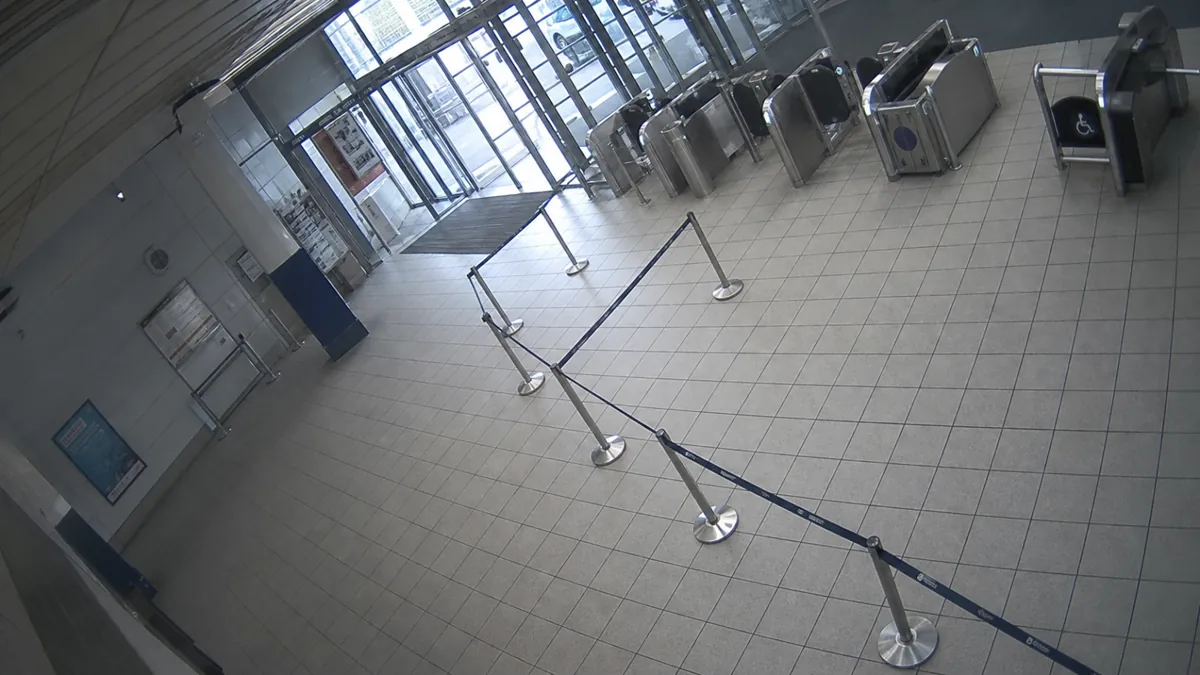
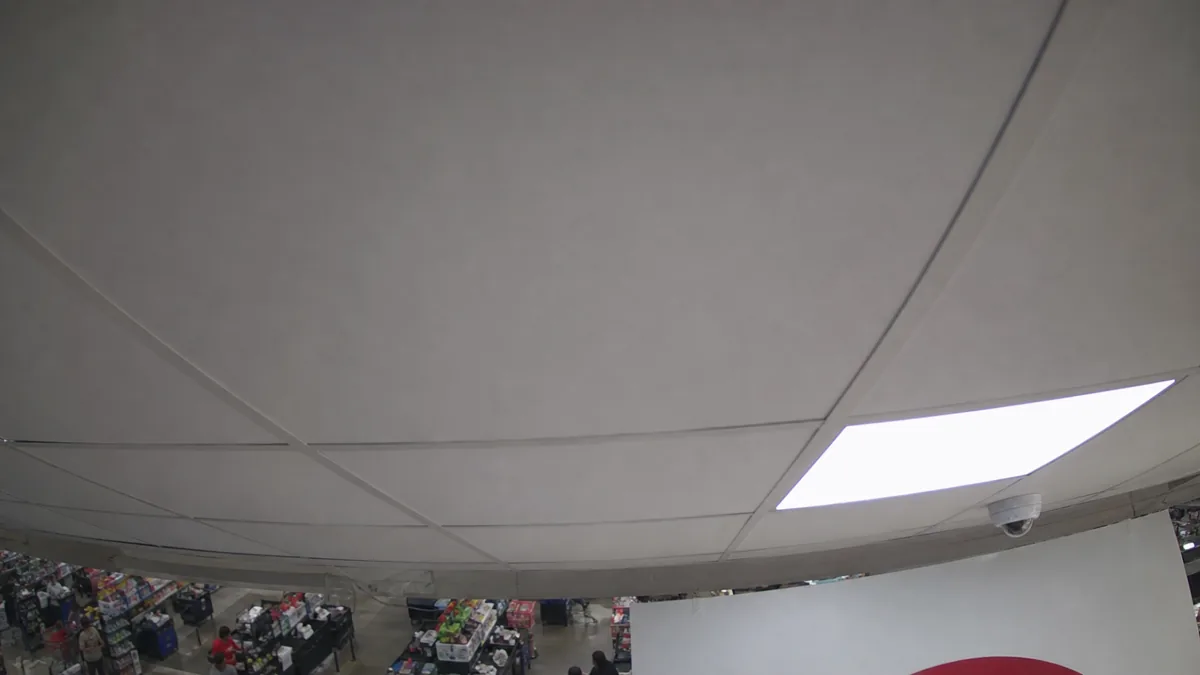
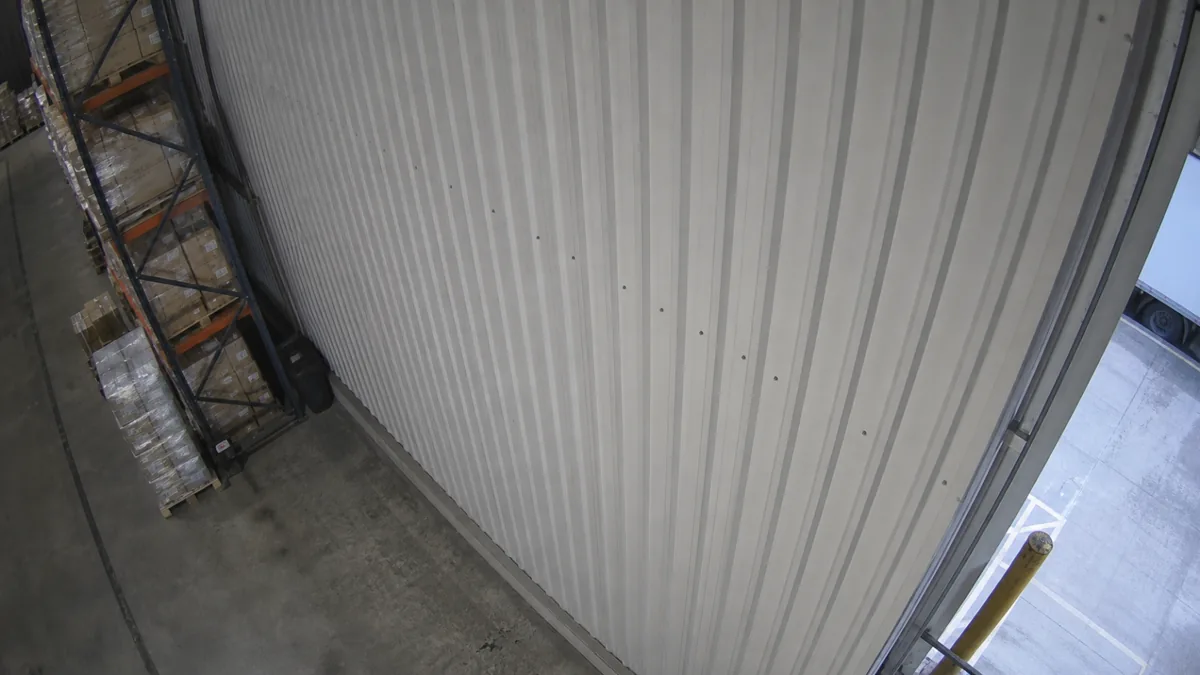
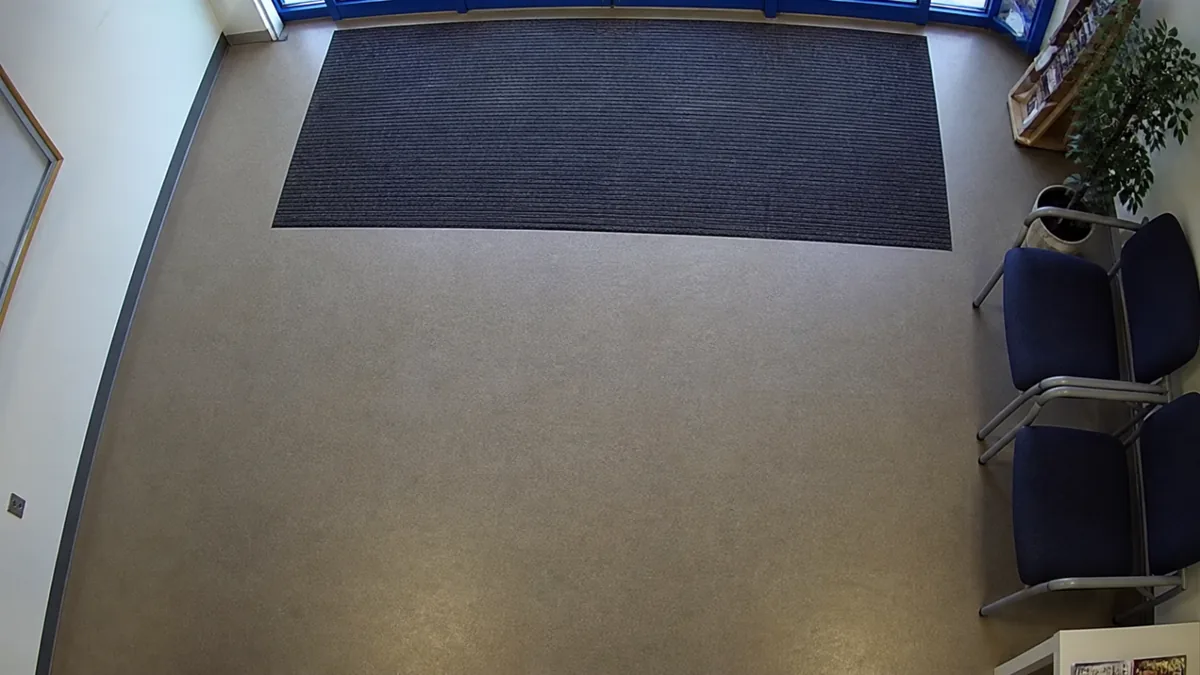
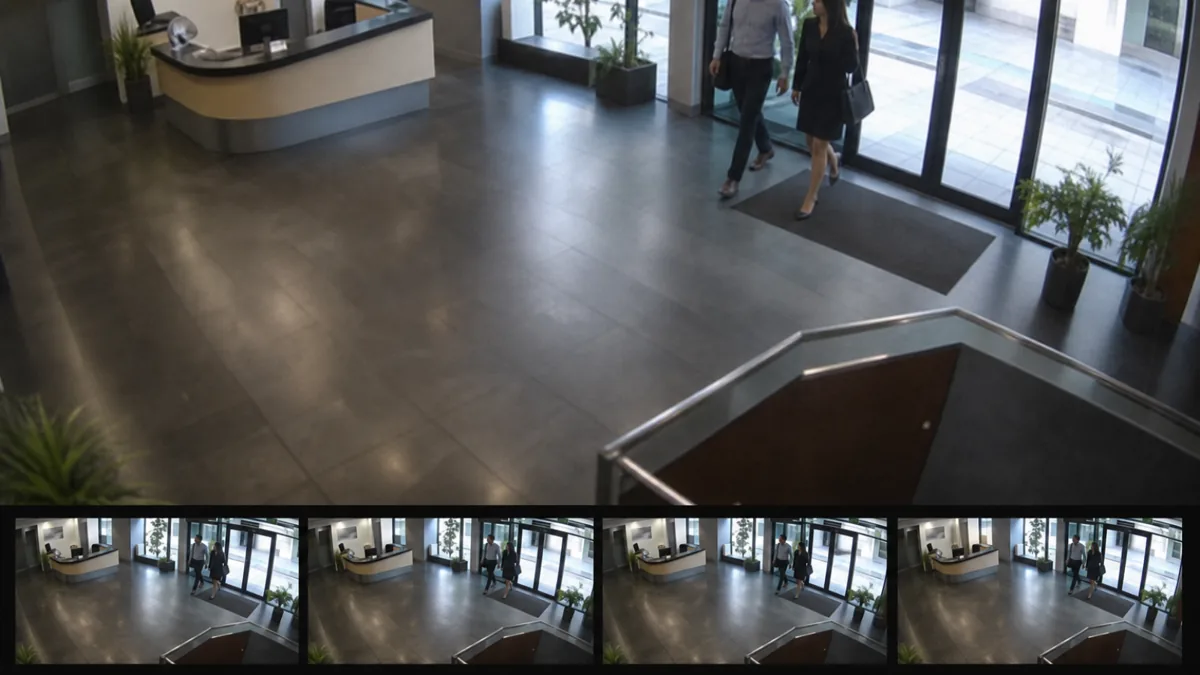
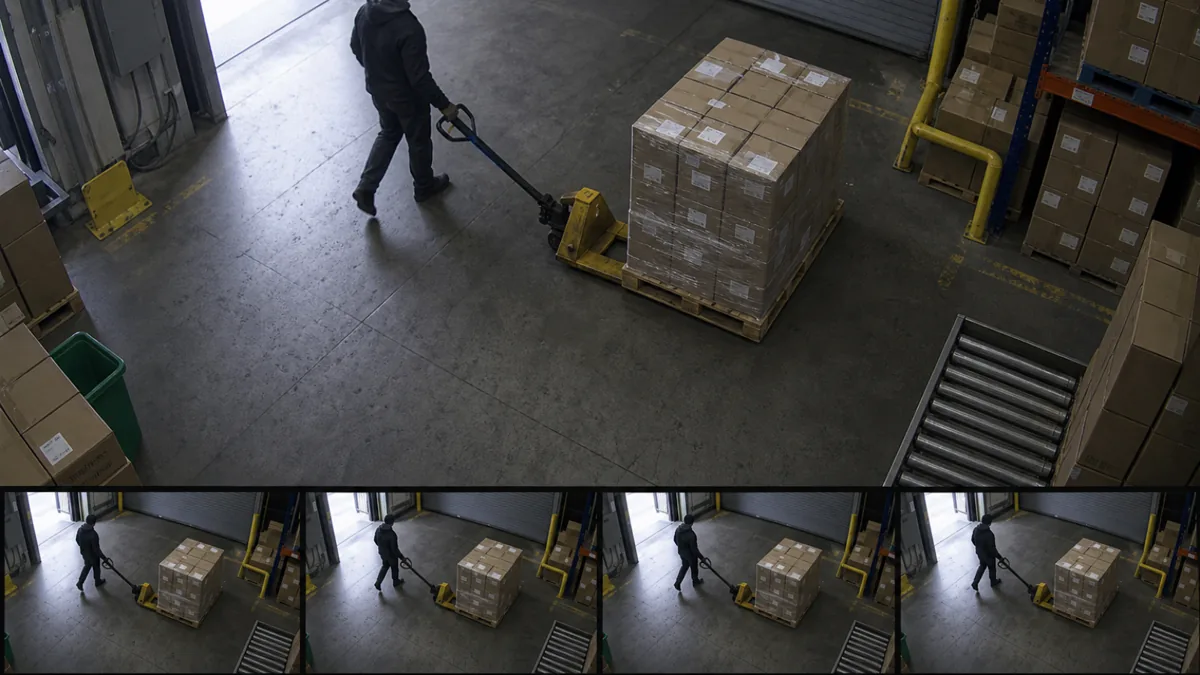
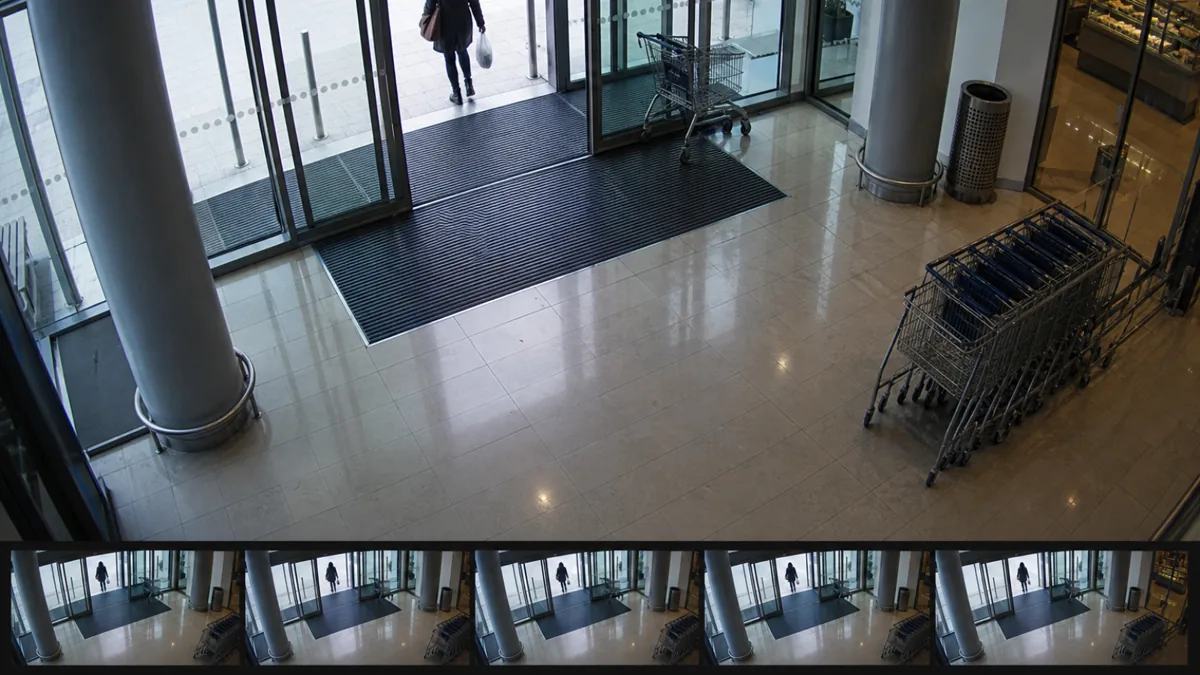
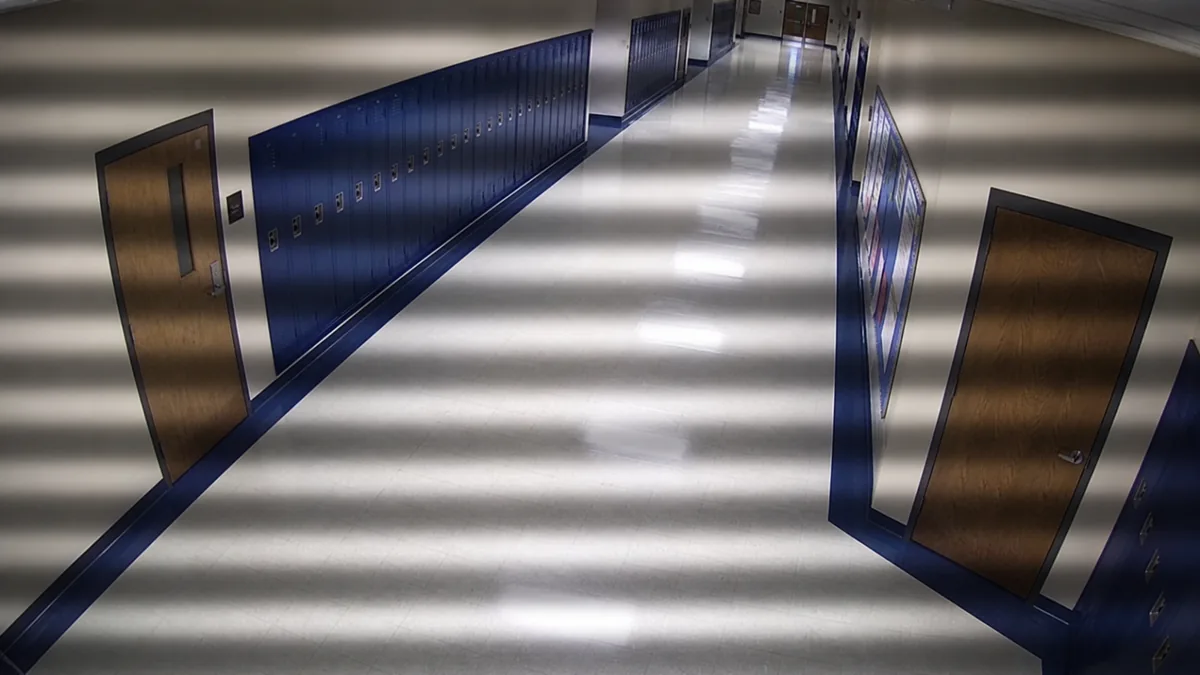
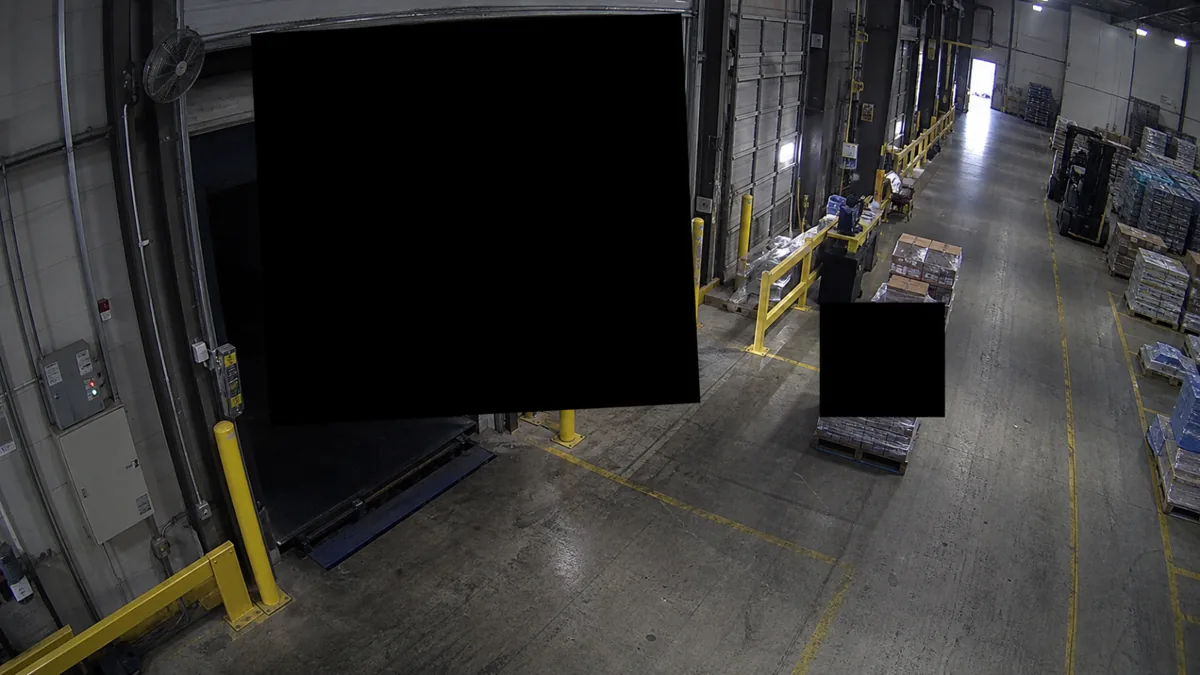
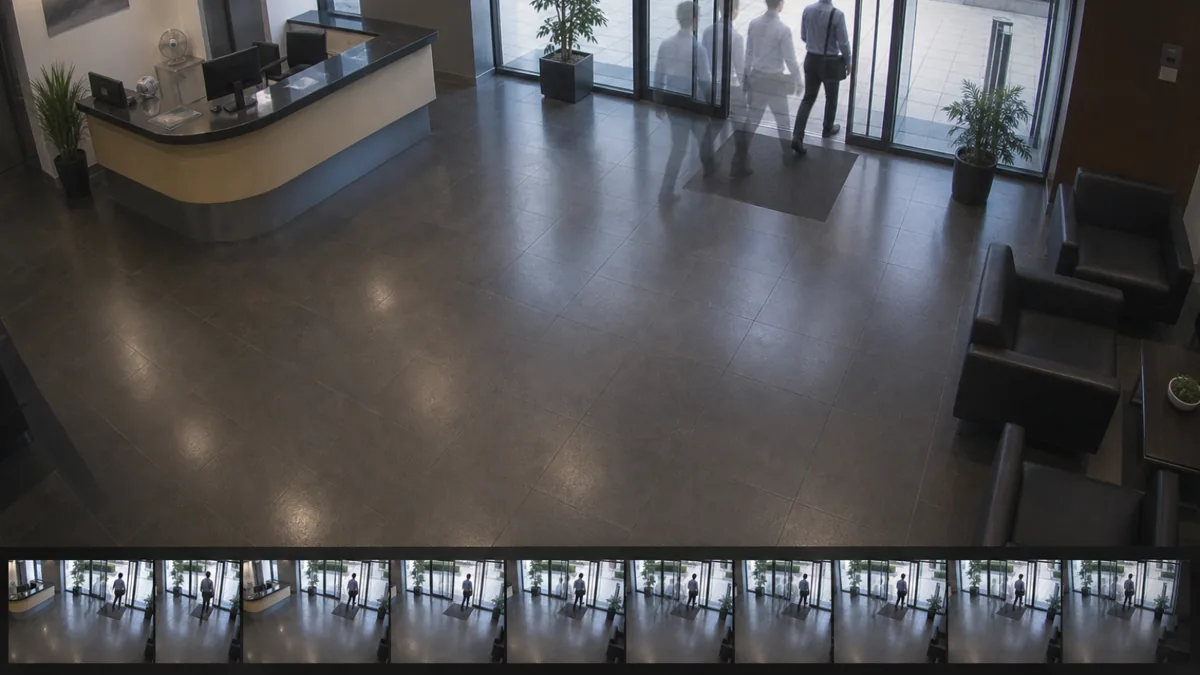
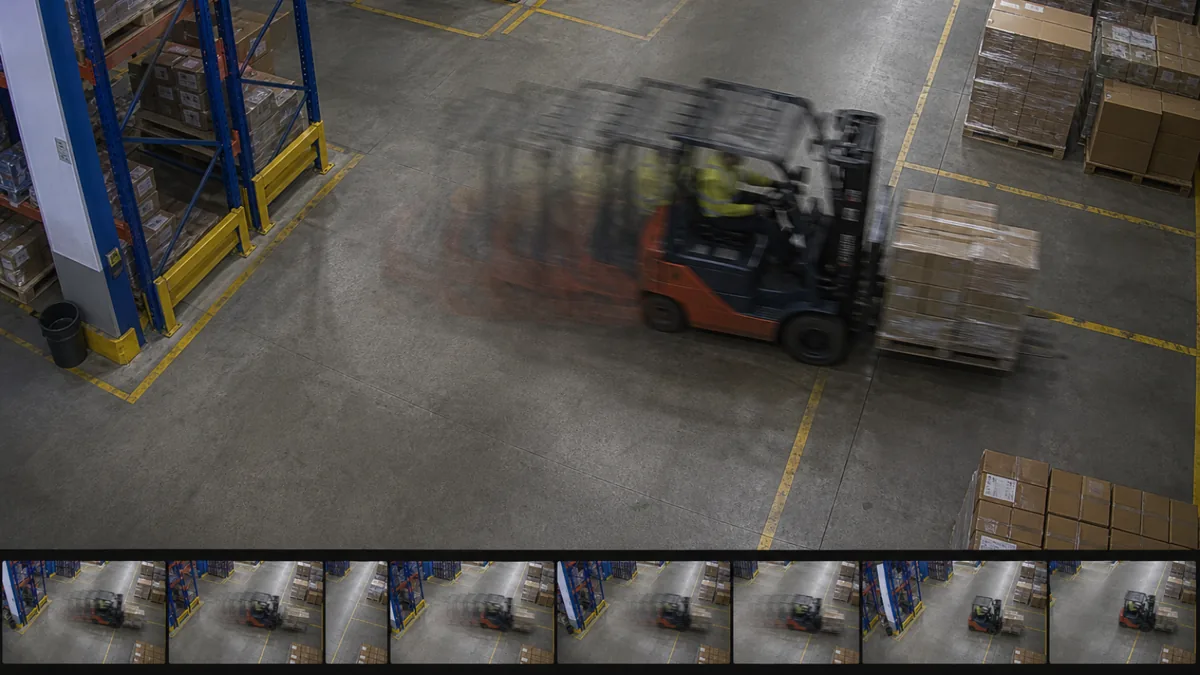
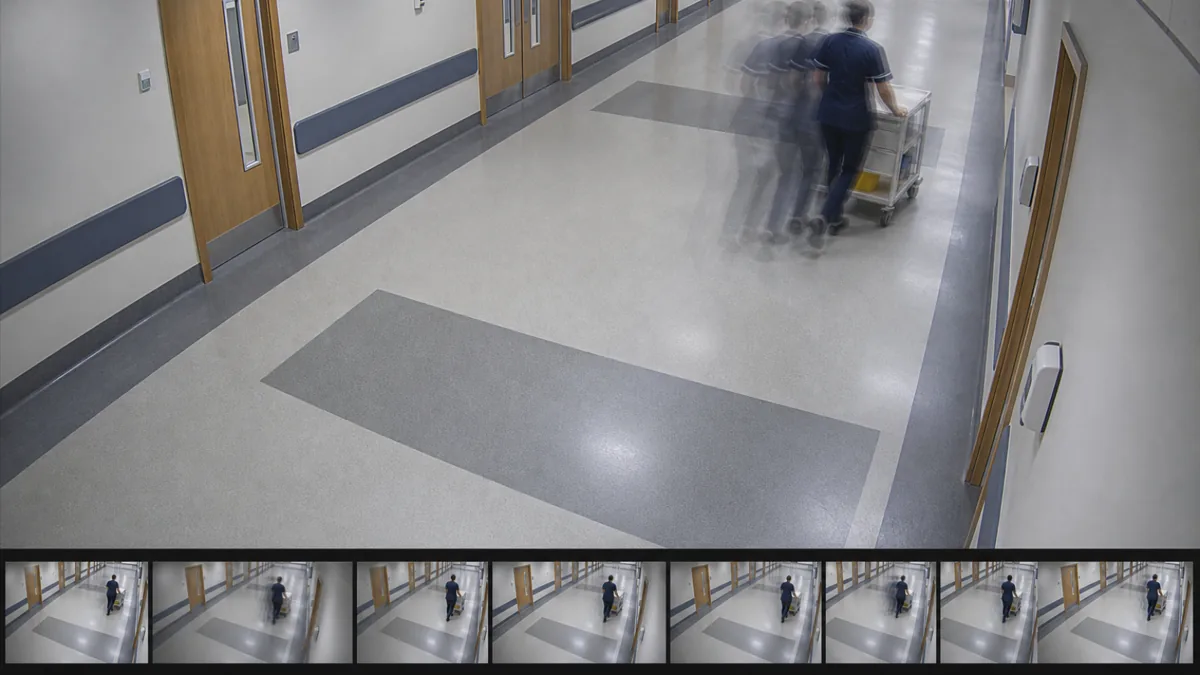
Selected camera-view examples
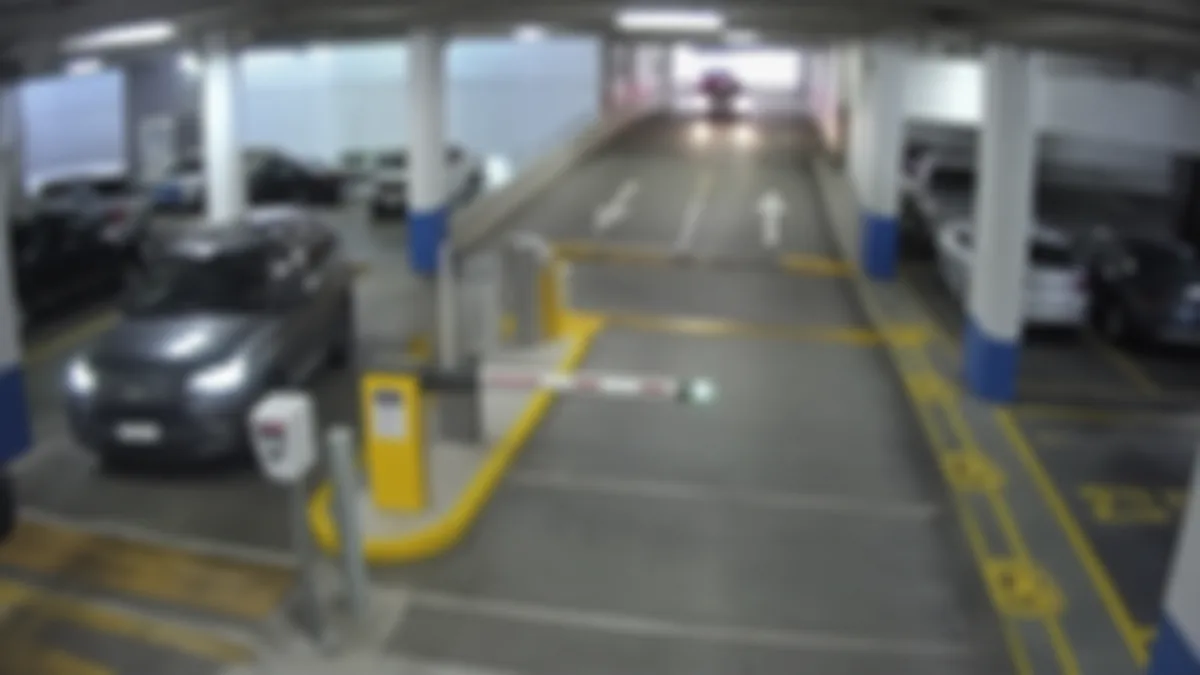
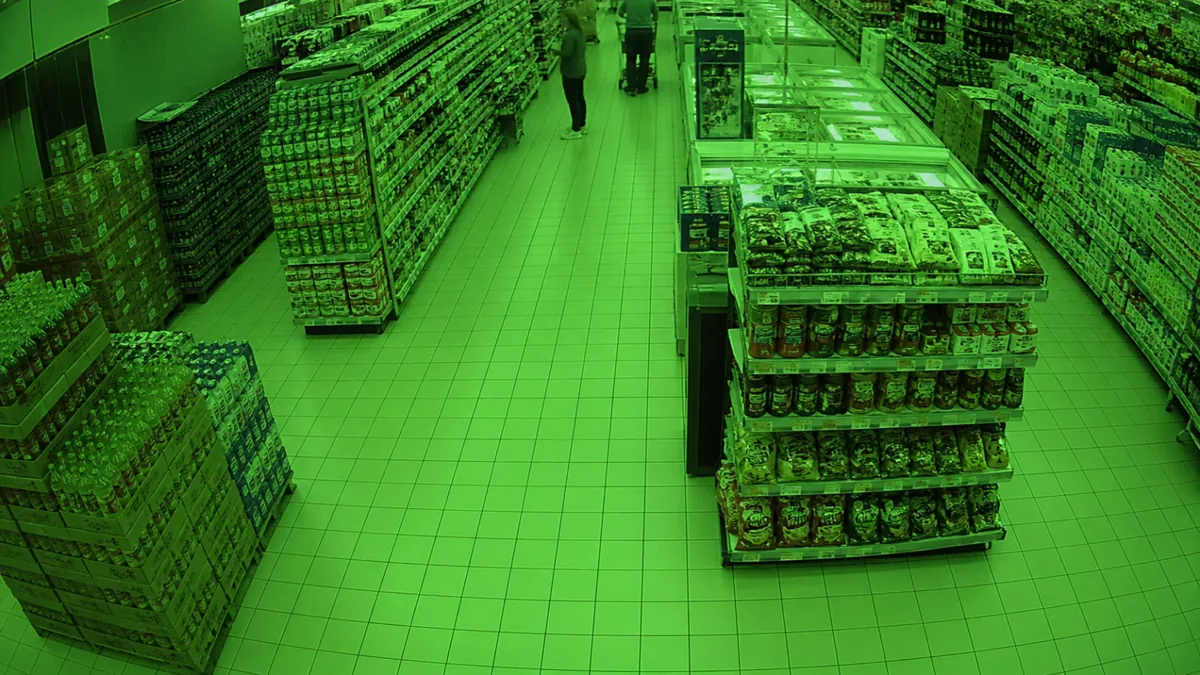
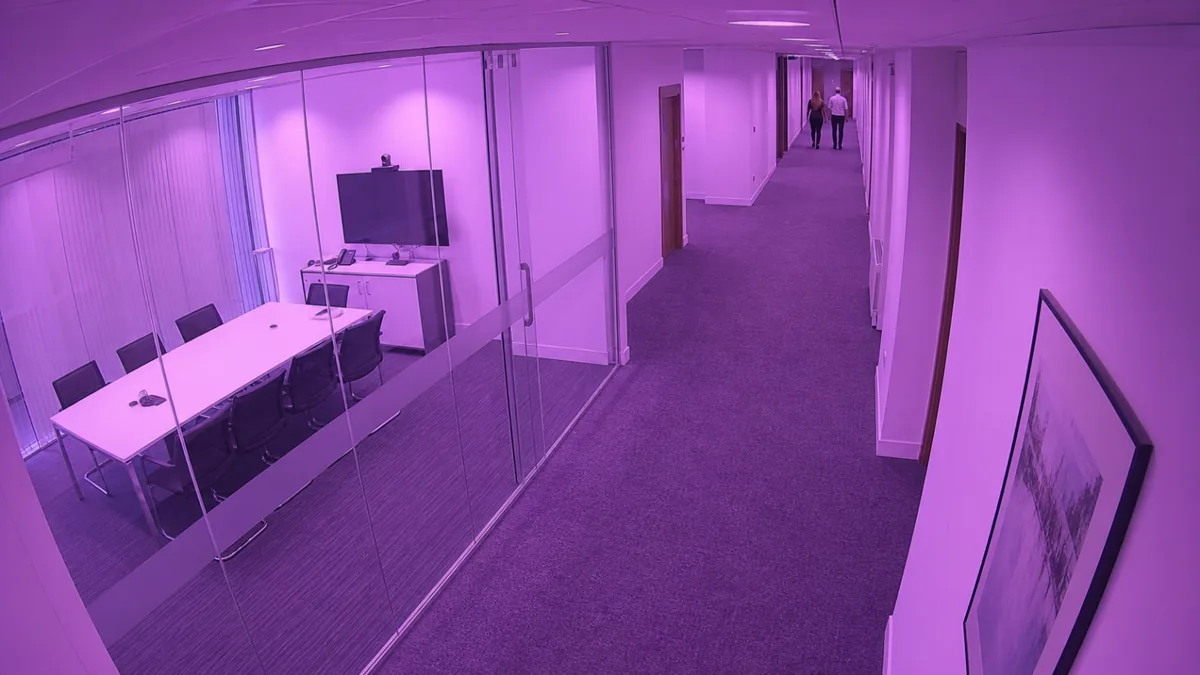
Example: Blur
Soft focus, motion smear, or lens contamination can leave a camera online but unusable for evidence review.
1 / 11
Supported alert families
Availability & continuity
VMS + network probes
Camera offlineVMS monitor offline or endpoint unreachable, retry-confirmed.
VMS API timeoutPer-provider circuit breaker on repeated request failures.
Archive unavailablePlayback or recording-index retrieval fails.
Recording gapComputed from the recording index window, per camera.
Storage disk fullVMS low-space events and configured host-volume thresholds.
Retention assessmentRecording-history checks against the site's retention policy.
Image & scene quality
Snapshot CV · evidence attached
Blur / defocusEdge-variance against per-camera baseline.
Credential postureReported credential risks brought into the alert queue.
Firmware outdatedVMS-reported update warnings; in Avigilon validation.
Privacy mask unexpectedNew uniform overlays appearing without authorisation.
Autofocus huntingSustained sharpness oscillation consistent with unstable focus.
Banding / rolling linesBand patterns inferred from sampled images.
Green / purple screenDominant chroma patterns consistent with a signal-path fault.
Detectors run on a tiered pipeline (cheap probe → snapshot CV → selective stream sampling → optional ML enrichment). Suppression windows, accepted baselines, and camera/site alert policy keep noise controllable.
How it works
Connect your VMS, run on-prem, operate by exception.
Step 01
Connect what you already run
Point CHEQIT at your VMS or directly at cameras over ONVIF/RTSP. No agents on cameras, no recorder changes.
Step 02
Run inside your perimeter
A single signed Linux bundle, deployed by systemd next to the recorder. Activate online or with a signed key file for air-gapped sites.
Step 03
Operate by exception
Work from a ranked queue with image comparisons, metrics, configuration changes or VMS events alongside each finding. Open recorded evidence from the alert and accept valid image baselines manually.
Built for distributed estates
For teams managing cameras across many buildings, locations, and network conditions.
One deployment model, three kinds of estate. The monitoring workflow stays the same whether cameras sit on a campus, along a high street, or inside a customer's network.
01
Local government & public estatesTown centres, depots, community buildings, car parks, and remote facilities — over varied connectivity and procurement constraints.
High street CCTV · car parks · depots · social housing
02
Enterprise security & facilitiesCampuses, warehouses, retail branches, manufacturing, and logistics hubs where cameras support investigations and operations.
Campuses · warehouses · branches · plants · DCs
03
Managed service providersOperators delivering evidence-backed health reporting across many customers without manually sampling streams.
Multi-tenant · per-customer scopes · service evidence
VMS-flexible architecture
Works with the video systems you already run.
Bring camera health, evidence and alerts into one workflow. VMS integrations add recording indexes, recorder events and diagnostic metadata to image monitoring.
Generic ONVIF eventsOptional enrichment alongside any source
Live
Stays inside your network
Customer video does not leave the box. By default and by design.
CHEQIT runs on-prem next to the VMS. Connected services handle licensing, updates, and minimal health telemetry — never the camera footage. Air-gapped sites are activated with signed key files. Audit-grade decision context stays with each alert.
One on-prem product. Pick the plan that fits your estate.
Plans scale by camera capacity, activation mode, and operating model. Larger distributed fleets can move to custom terms without changing the installed product. Ordering opens by invitation during the limited release.
Core health monitoring and inventory for smaller estates and pilots.
StandardUp to 128 cameras
Full degradation taxonomy, evidence review, and reporting for mid-size estates.
ProUp to 512 cameras
Higher-capacity single-instance deployments and active incident workflows.
EnterpriseFederated · HA-ready
Custom estate licensing for federated deployments, multi-site terms, and adjustable activation pools.
FAQ
Honest answers to the questions buyers ask first.
Does CHEQIT send my video to the cloud?
No. CHEQIT runs on-prem next to your VMS. Your video stays inside your network. The hosted services CHEQIT talks to handle licensing, software updates, and minimal health telemetry — not customer footage.
Can it run in an air-gapped environment?
Yes. Install CHEQIT, export a machine key from the local Licensing screen, and we issue a signed activation key file for that machine. Updates are delivered as signed bundles you transfer with your normal removable-media controls.
Which VMS systems are supported today?
Shinobi CE and direct ONVIF + RTSP are available in the current Linux release. Avigilon Unity integration is undergoing certification testing; partner approval is pending. Milestone XProtect, Genetec, Hanwha, Bosch, and Honeywell integrations are planned. See Connectors for current status, and tell us your VMS — we prioritise based on real customer deployments.
How does CHEQIT differ from “is the recorder online?” monitoring?
CHEQIT checks device reachability and whether the view is still useful — blur, freeze, darkness, scene drift, recording gaps, encoding faults — and attaches diagnostic evidence to alerts.
How long does deployment actually take?
An afternoon for the first site once you have a Linux host and credentials to the VMS. The signed bundle installs as a systemd service, you connect the VMS, and the first alerts come in as CHEQIT builds per-camera baselines.
What hardware do we need to host CHEQIT?
CHEQIT runs on a Linux x86_64 server or VM with systemd and SSD/NVMe storage. Headline tiers:
Pilot / small site — 4 vCPU, 8 GB RAM, 100 GB SSD
Standard site or leaf — 8 vCPU, 16 GB RAM, 250 GB SSD/NVMe
Large site or federation primary — 16 vCPU, 32 GB RAM, 500 GB–1 TB NVMe
HA standby — same shape as the active primary it stands in for
Treat these as starting points; full storage formulas, CPU/RAM/network guidance, and a slide-ready summary live in the System requirements & sizing doc.
Is there an alert-fatigue problem at fleet scale?
The pipeline is built to avoid it. Per-camera baselines, accepted orientation and scene-mode baselines, suppression windows, debounce, and camera/site alert policy keep noise controllable. Alerts are ranked into an operations queue, not flat email firehoses.
What does pricing look like for thousands of cameras?
Pro covers up to 512 cameras per instance; larger or federated estates use Enterprise terms. During the limited release, ordering is by invitation: join the waitlist and we will be in touch.
Do you have SOC 2 / HIPAA / ISO 27001?
Formal certifications are planned. CHEQIT runs on-premises with signed releases, offline activation, scoped access controls and tamper-evident audit options. Video stays on your network by default.
What you get
Fewer surprises, one clear list.
See failures before they cost evidence
Surface blur, tampering, and signal loss while there's still time to fix them.
One ranked repair queue for security & IT
Both teams work the same prioritised list instead of trading blame.
Runs fully on-prem — no video egress
Monitoring lives inside your perimeter; footage stays on your network.
Offline / air-gapped activation
License and update with signed key files, even on isolated networks.
Ready in an afternoon. Join the limited release.
Start with a single site and grow when you're ready. We're a quick email away if anything is unclear.